Upload your PDF
Drop in a thesis, paper or lecture script. We read the whole document, page by page.
A purpose-built pipeline designed to rebuild your PDF as real LaTeX — with layout, equations and tables reconstructed for page-by-page review.
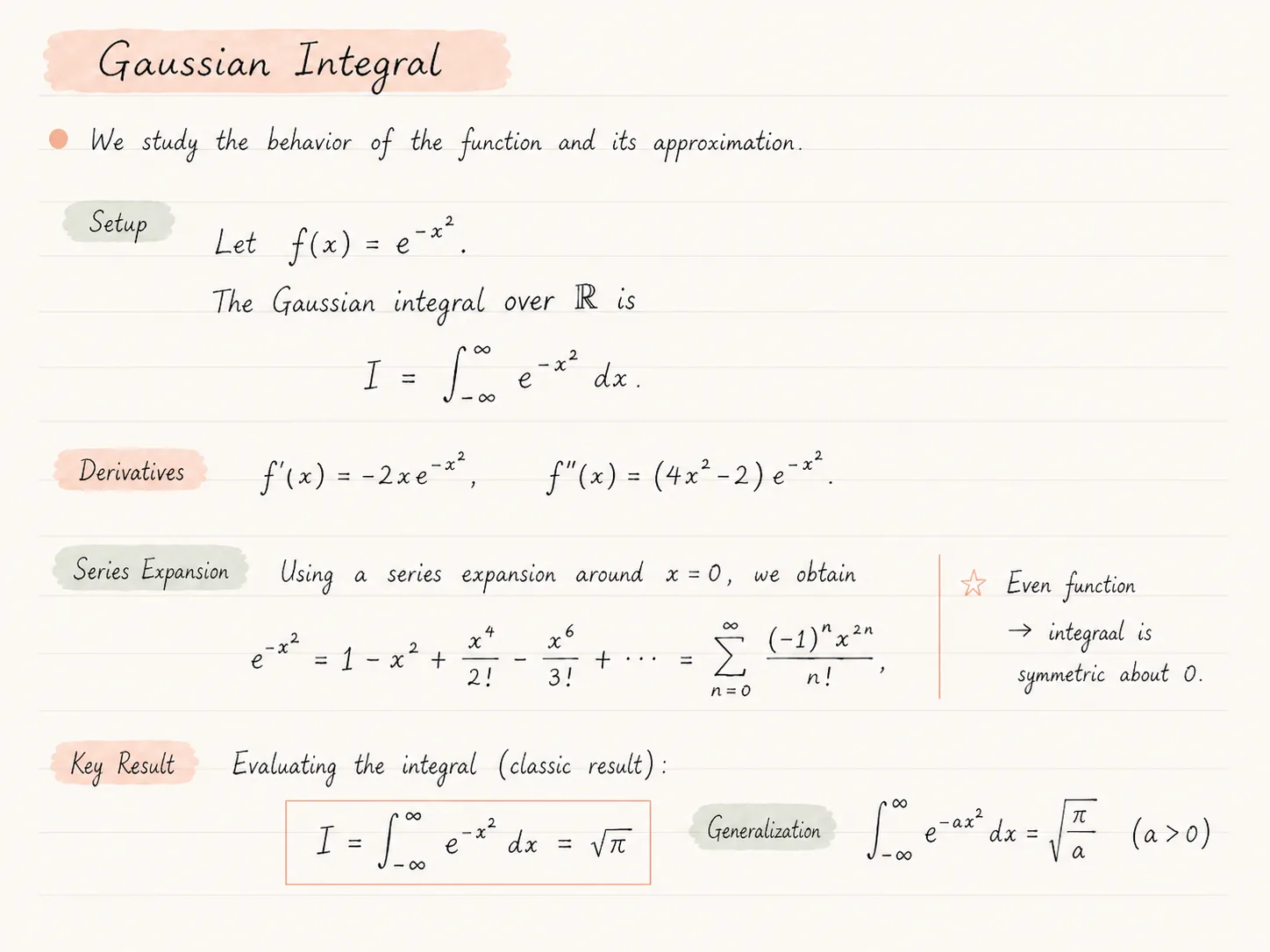
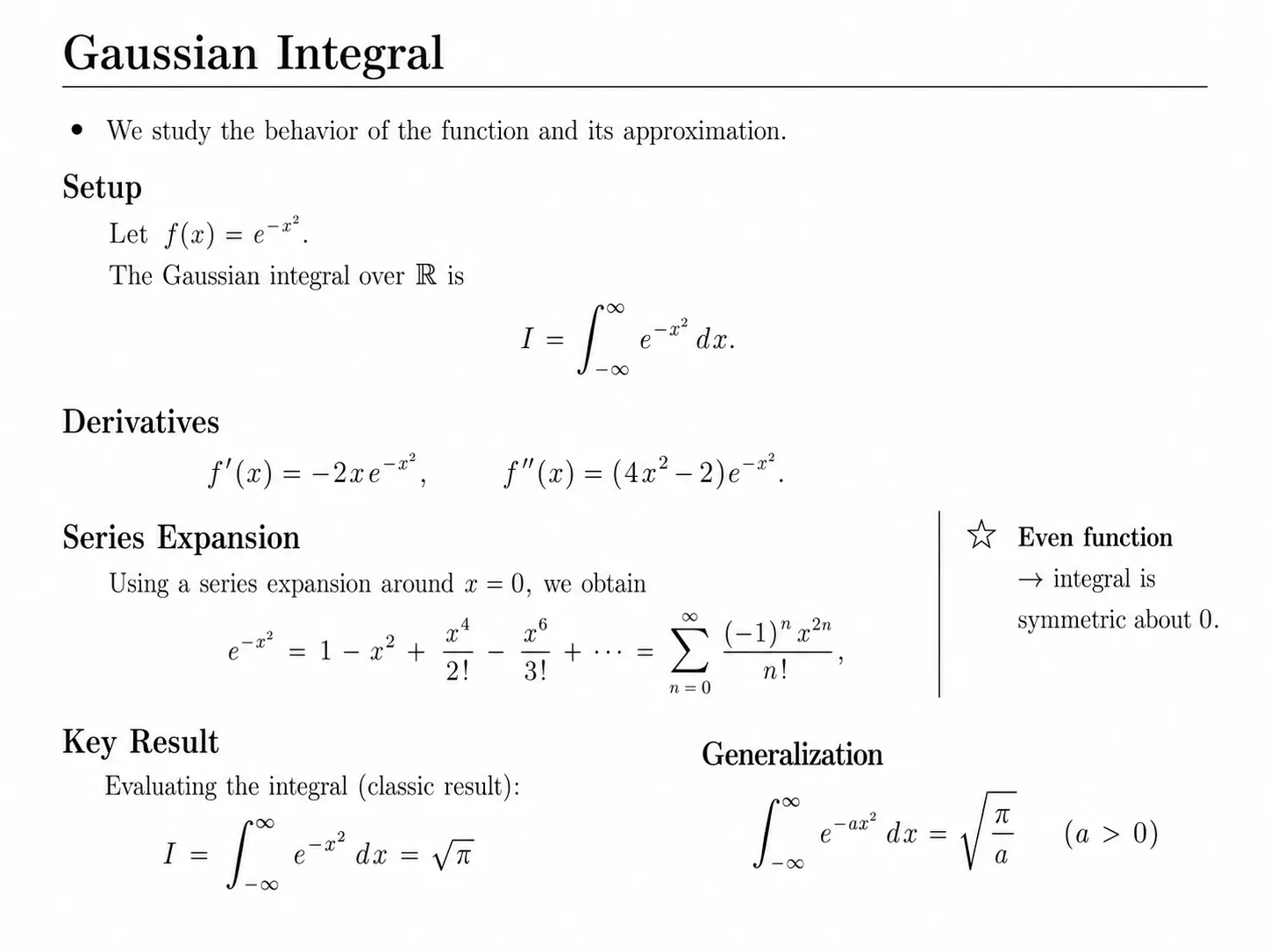
Drag either slider — handwritten notes, scans and full academic PDFs all become editable LaTeX source.
Drop in a thesis, paper or lecture script. We read the whole document, page by page.
We rebuild the structure as clean LaTeX — sections, formulas, tables, references.
Step through each page side-by-side, then download an Overleaf-ready ZIP.
Choose the page that matches your document type, then upload a PDF when you are ready to review the reconstructed LaTeX.
Browse all converter pagesCompare converter approachesSee the Mathpix comparison
Toggle on image extraction and we'll pull photographs, charts and diagrams out of your PDF and embed them as proper LaTeX figures — no extra credits, no extra steps.
\includegraphicsA complete PDF-to-LaTeX workflow — editable source, compiled preview, page-by-page proofing and a one-click Overleaf export.
Real main.tex with proper sections, environments and math — ready for further editing in any LaTeX editor.
One project archive intended to open in Overleaf, with main.tex and generated assets packaged together.
We compile the LaTeX server-side so you see the actual typeset result, not just the source code.
Each original page sits next to its rendered counterpart so you can review differences before you use the result.
Need just one document? Buy a small credit bundle once — no recurring billing, credits never expire.
Theses, papers and lecture scripts — full documents at once, with structure, references and figures reconstructed where possible.
Every conversion packages main.tex and generated assets into a ZIP intended for Overleaf or a local LaTeX editor. Review the first compile and correct any source-specific issues before continuing.
After conversion, hit Download and save the Overleaf-ready archive to your computer.
In Overleaf, choose New Project → Upload Project and drop in the ZIP file.
Compile main.tex in Overleaf, review any warnings or corrections, then edit, share and collaborate.
Whether it's handwritten, printed or already typeset — turn it into a clean LaTeX project you can edit and extend.
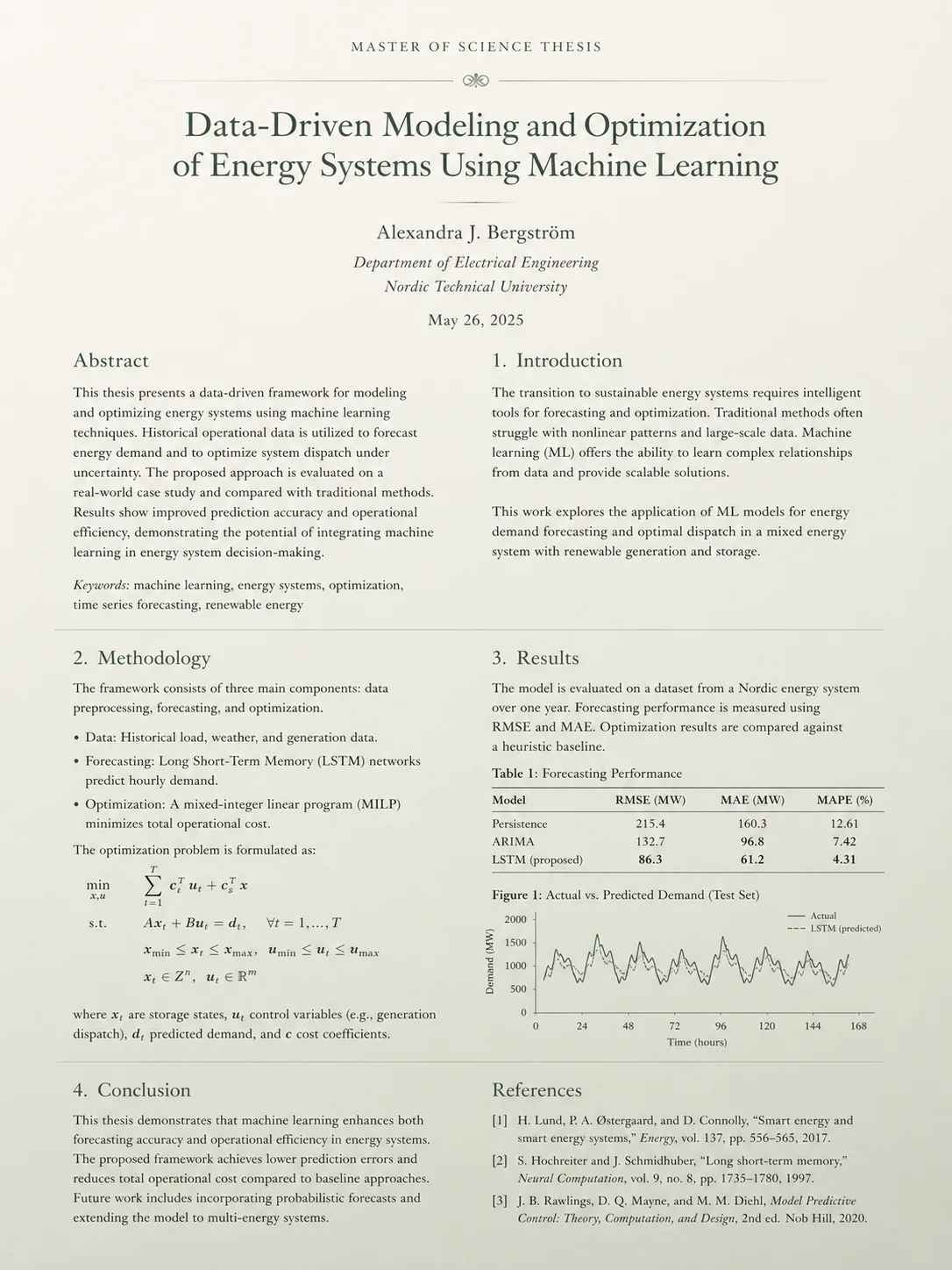
Convert a finished thesis PDF into an editable LaTeX project for last-minute formatting changes or template migrations.
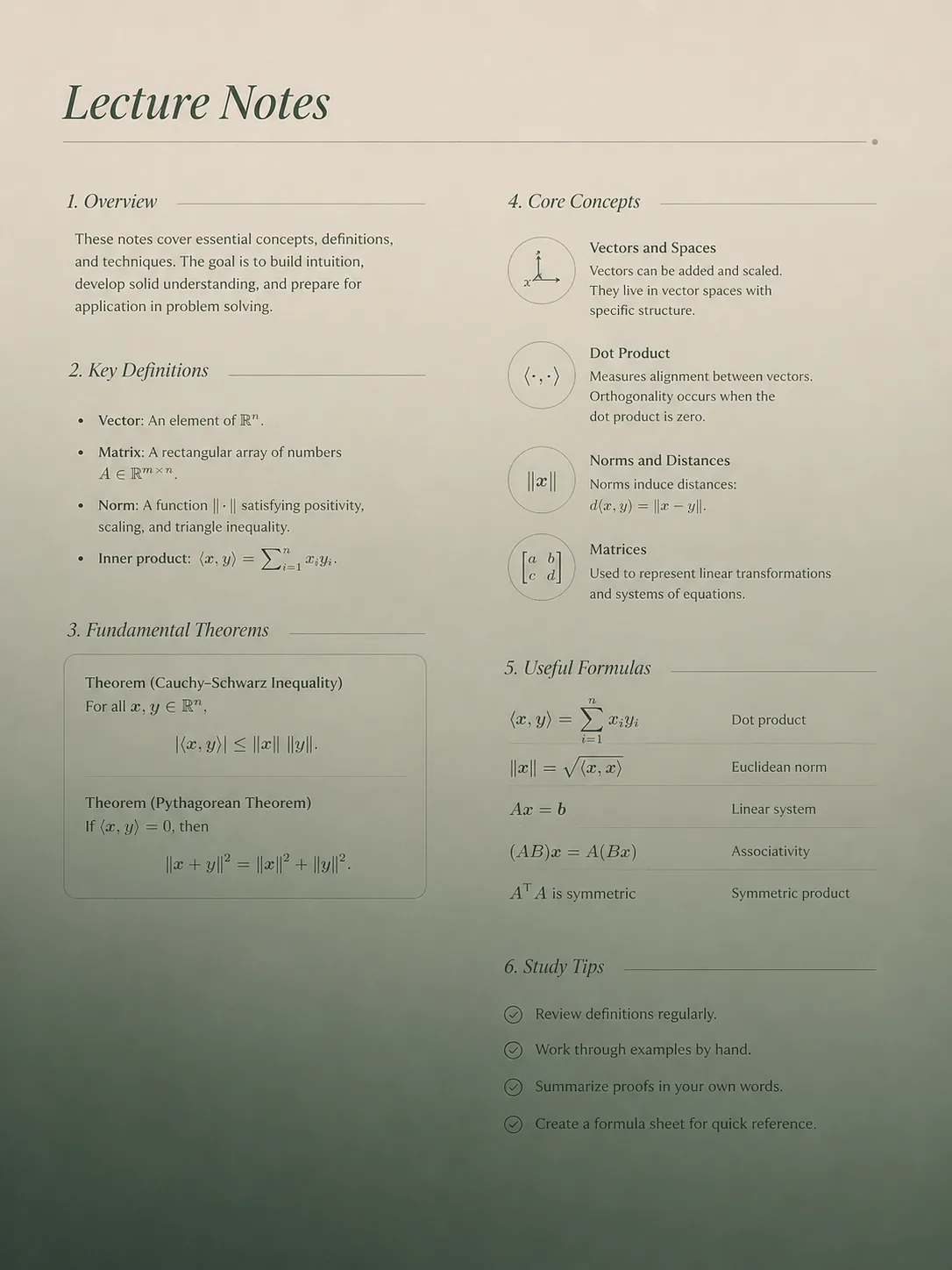
Turn dense lecture handouts into a clean LaTeX source you can annotate, restructure and reuse for your own study materials.
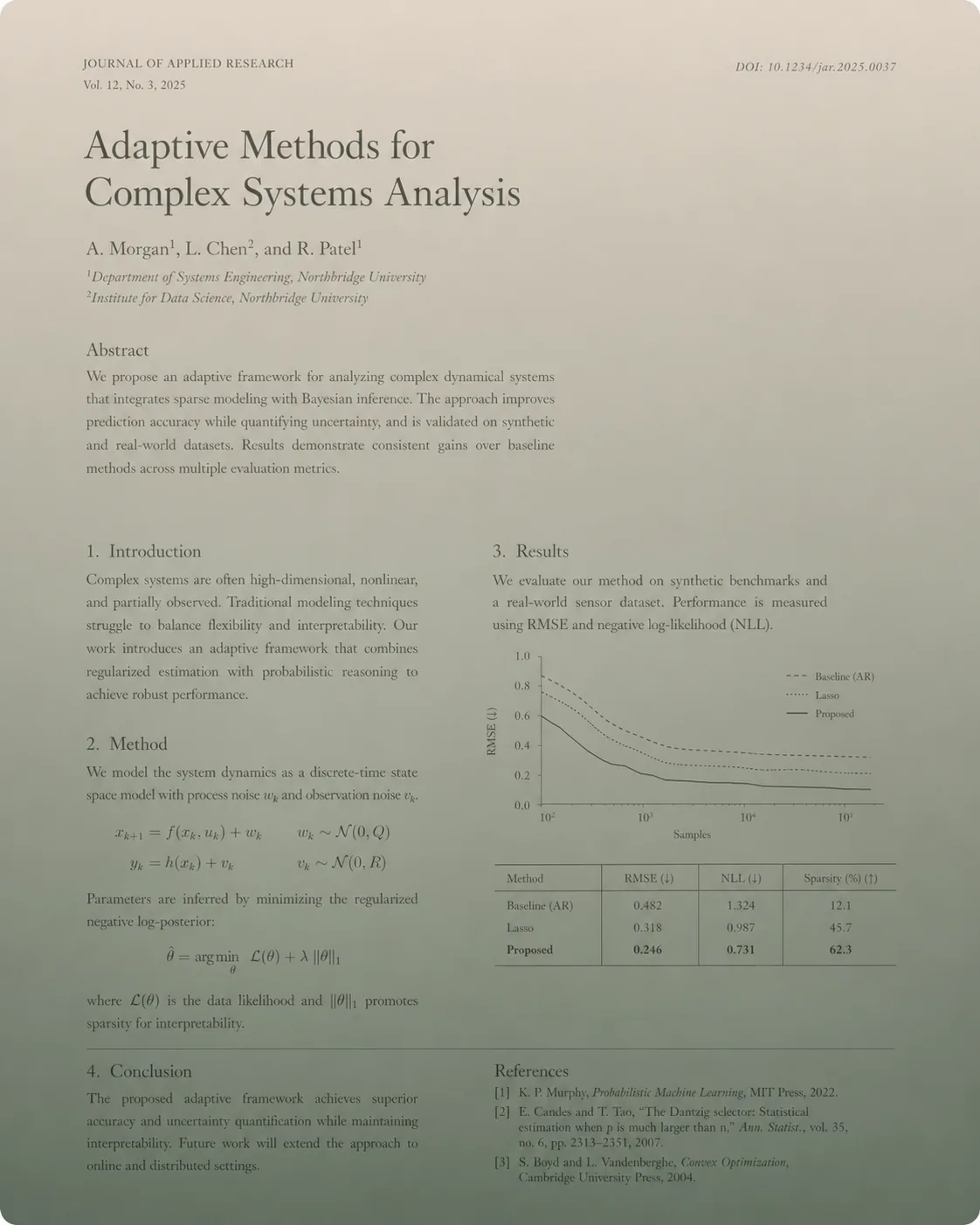
Move a published paper back into LaTeX so you can branch off, extend it, or adapt it to a different journal template.
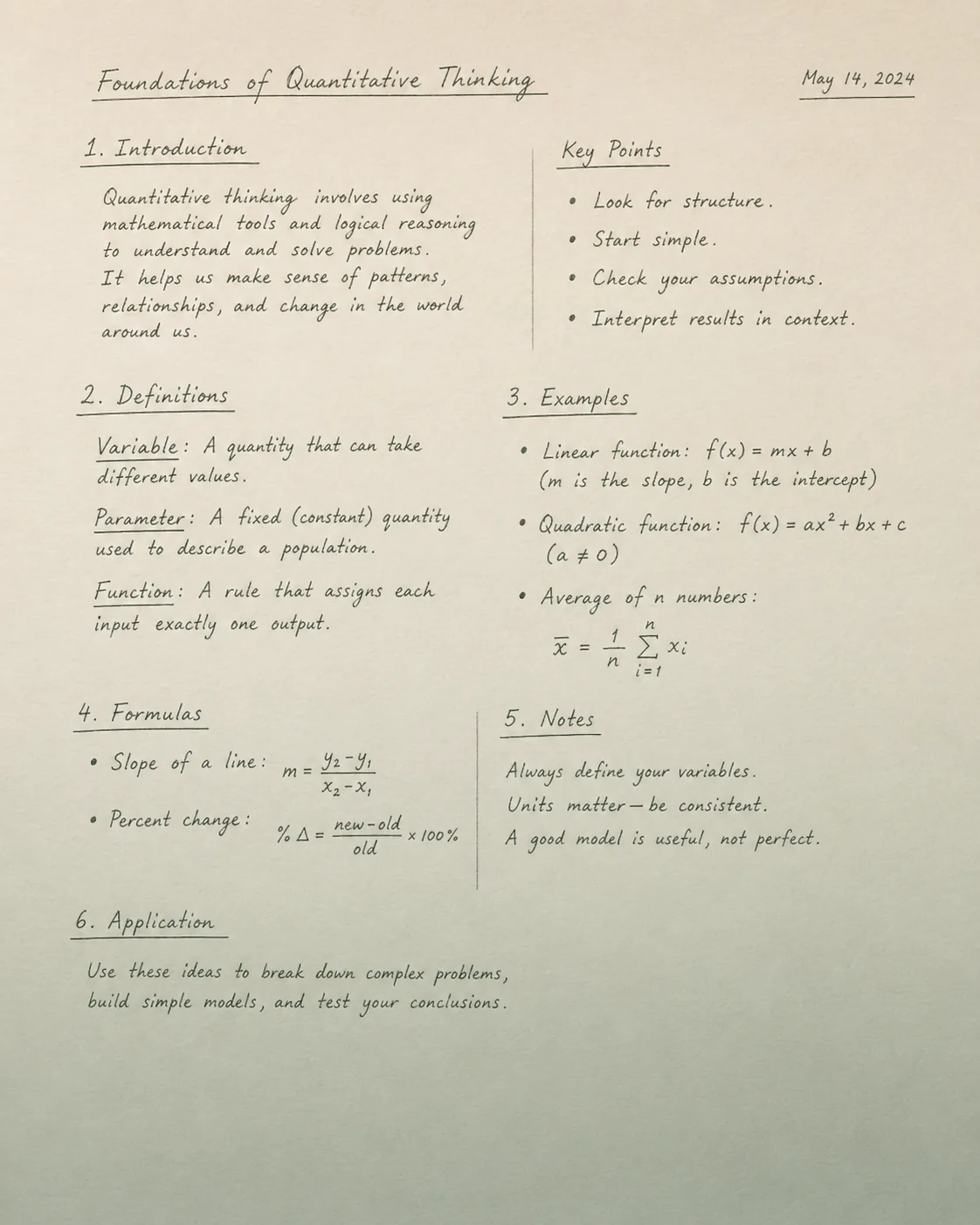
Photograph or scan handwritten lecture notes and receive a structured LaTeX document with formulas, sections and lists.
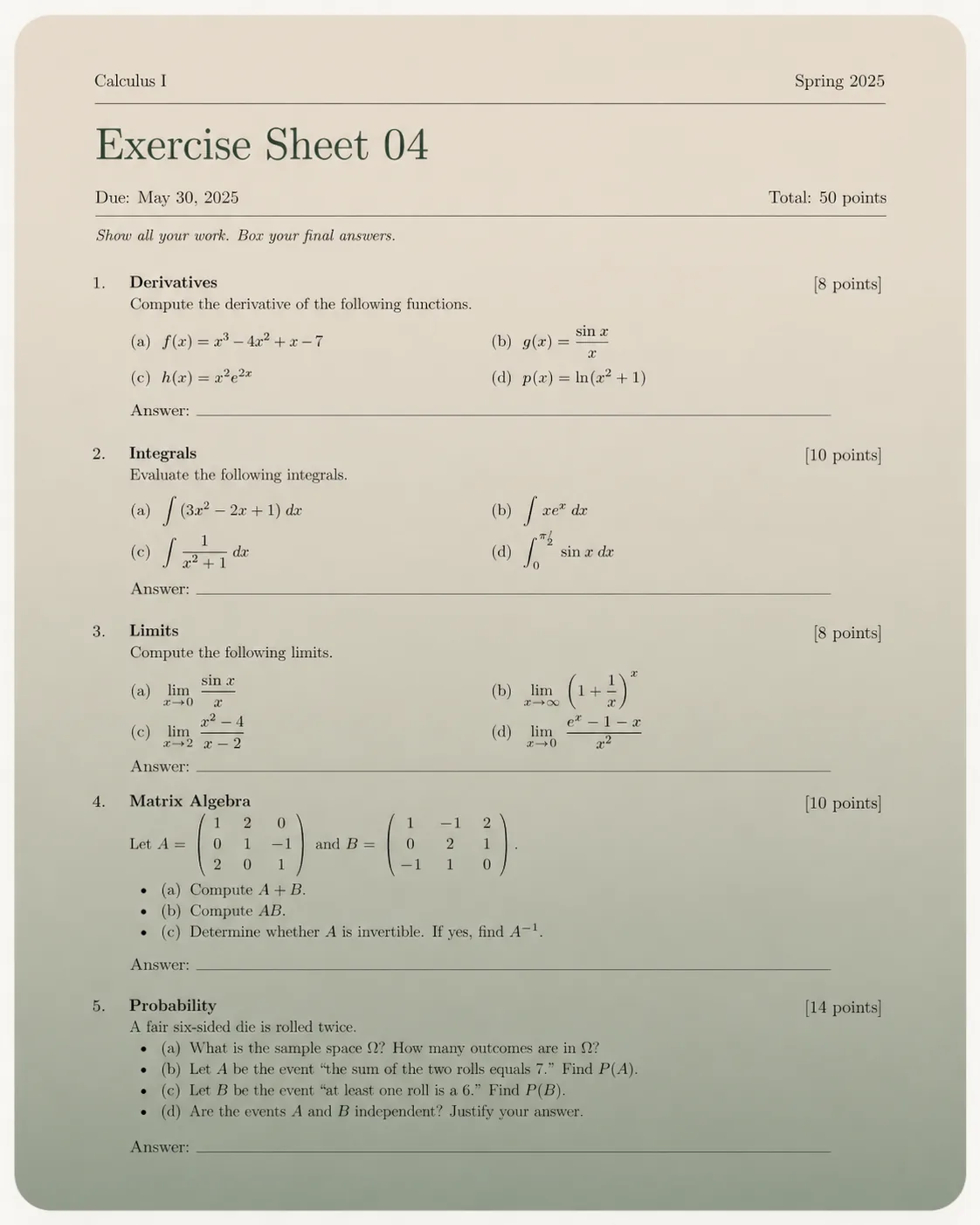
Recover the LaTeX behind exercise sheets and past exams to remix them into your own problem sets.
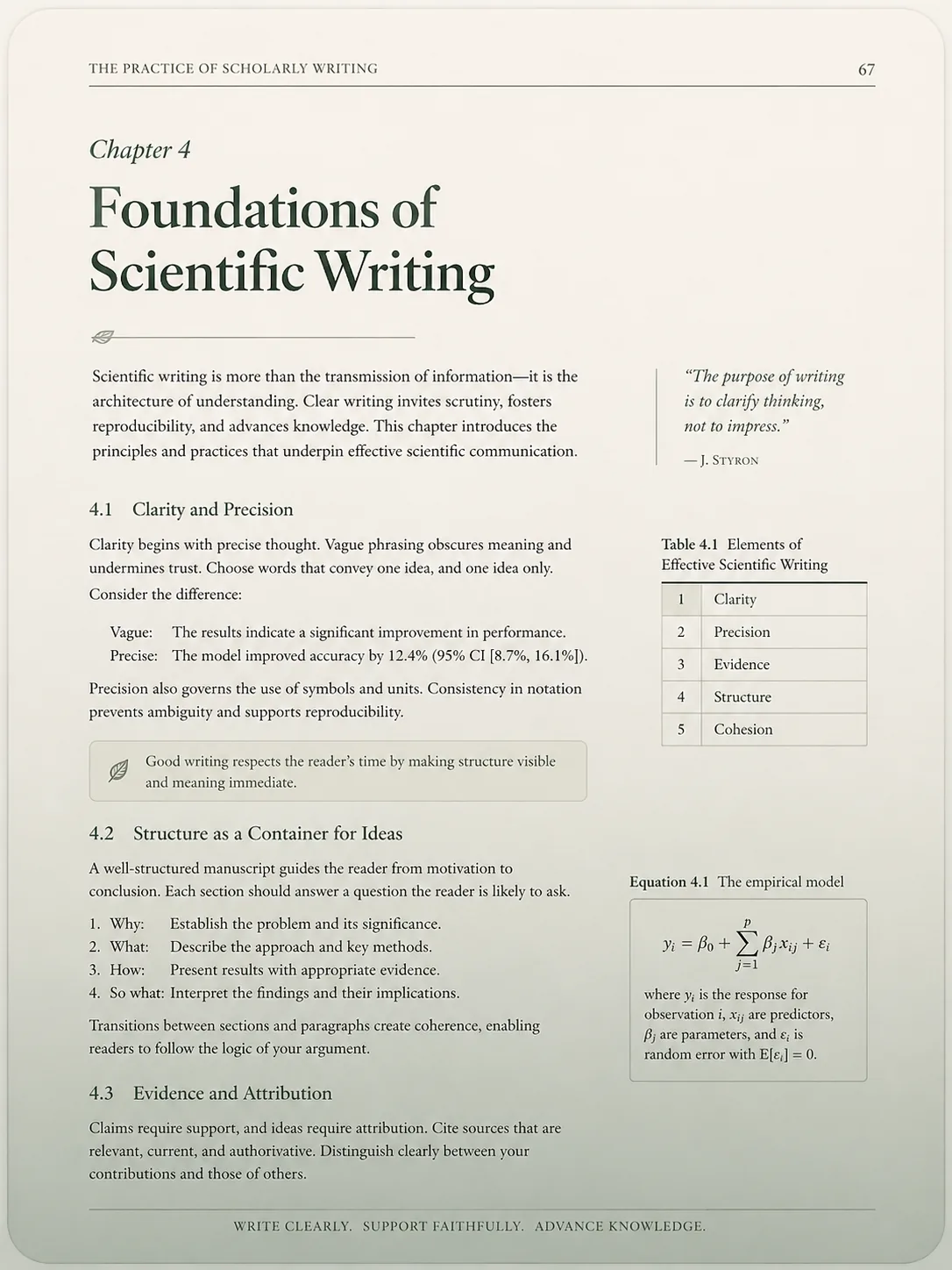
Bring scanned book chapters into a typeset LaTeX project, ready for citation, translation or extension.
Convert a finished thesis PDF into an editable LaTeX project for last-minute formatting changes or template migrations.
Turn dense lecture handouts into a clean LaTeX source you can annotate, restructure and reuse for your own study materials.
Move a published paper back into LaTeX so you can branch off, extend it, or adapt it to a different journal template.
Photograph or scan handwritten lecture notes and receive a structured LaTeX document with formulas, sections and lists.
Recover the LaTeX behind exercise sheets and past exams to remix them into your own problem sets.
Bring scanned book chapters into a typeset LaTeX project, ready for citation, translation or extension.
document-to-latex is built for academic and technical PDFs — the kind of documents where structure, equations and tables matter as much as the text itself. A few of the most common workflows:
Convert a finished bachelor, master or doctoral thesis from PDF back into an editable LaTeX project. Useful for last-minute formatting changes, switching from one university template to another, or splitting a thesis into journal-ready chapters without re-typing equations and references.
Move a published paper or preprint back into LaTeX so you can extend it, branch off a follow-up study, or adapt the layout to a different conference or journal template. Equations, citations and figures stay in place, so you keep editing instead of rebuilding from scratch.
Turn dense lecture handouts and university scripts into clean LaTeX you can annotate, restructure and reuse. Combine multiple lectures into a single study document, or extract individual chapters as standalone notes.
Photograph or scan handwritten notes — including math-heavy ones — and receive a structured LaTeX document with proper sections, lists and formulas. Ideal for digitising older notebooks before they get lost.
Recover the LaTeX behind exercise sheets and past exam papers so you can remix them into your own problem sets, build solution sheets, or share editable versions with co-tutors.
Bring scanned book chapters, technical reports or grey literature into a typeset LaTeX project — ready for citation, translation, or extension into a longer document of your own.
Every conversion produces an editable main.tex, a compiled PDF preview and a side-by-side comparison of every page — so you can verify the result before you export to Overleaf.
Generic PDF-to-text tools flatten your document into a wall of text and lose the structure. Our own pipeline reads each page like a human reader would and aims to rebuild it as a proper LaTeX project you can compare with the original before relying on the result.
Yearly plans include ~2 months free.
Generic extractors flatten your PDF into raw text and lose the layout. Our purpose-built pipeline reads each page like a human reader would and rebuilds it as real LaTeX — sections, equations, tables, lists and figures stay where they belong, page by page.
The service aims to reconstruct the visible structure, headings, equations, tables, and page flow as editable LaTeX. Results vary with scan quality and document complexity, so the page-by-page comparison is there for review before export.
An editable LaTeX project (main.tex plus assets), a compiled PDF render, and a side-by-side comparison of every page.
Yes. The exported ZIP is structured for Overleaf with main.tex and generated assets. Review the initial compile because unusual fonts, packages, or source layouts can still require corrections.
No. You can subscribe for a recurring page allowance, or buy credits once and convert whenever you need to.
One credit covers one billable page. Credits never expire and can be combined with a subscription if you outgrow your monthly allowance.
Your PDF is processed by our backend. Extracted text and document structure may be sent to OpenAI to generate LaTeX. Raw PDFs are not sent to OpenAI by default.
LaTeX is precise. Our page-by-page comparison lets you spot anything that needs a quick edit before you ship the final document.