Rebuild PDF exercise sheets as editable LaTeX
Recover an editable starting point for problem sets, then revise questions, adjust values and check the resulting solutions.
No credit card needed. For longer PDFs, the first 3 pages are converted so you can check the quality first.
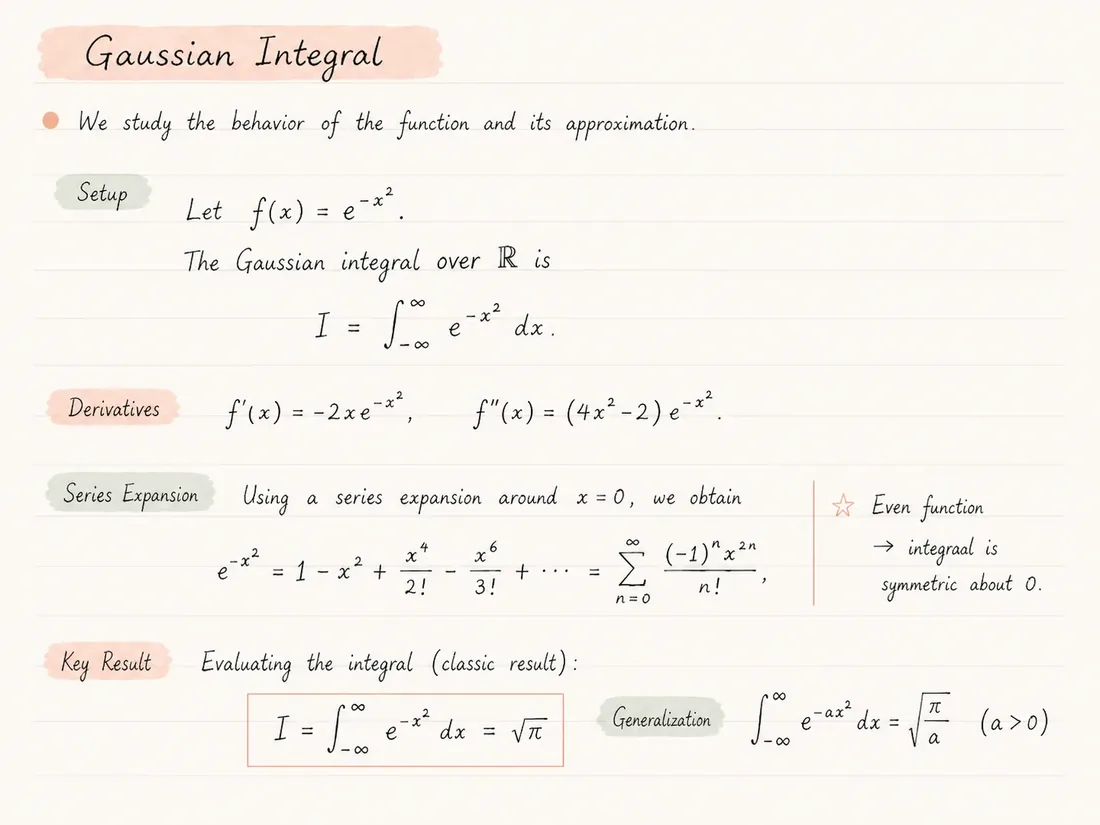
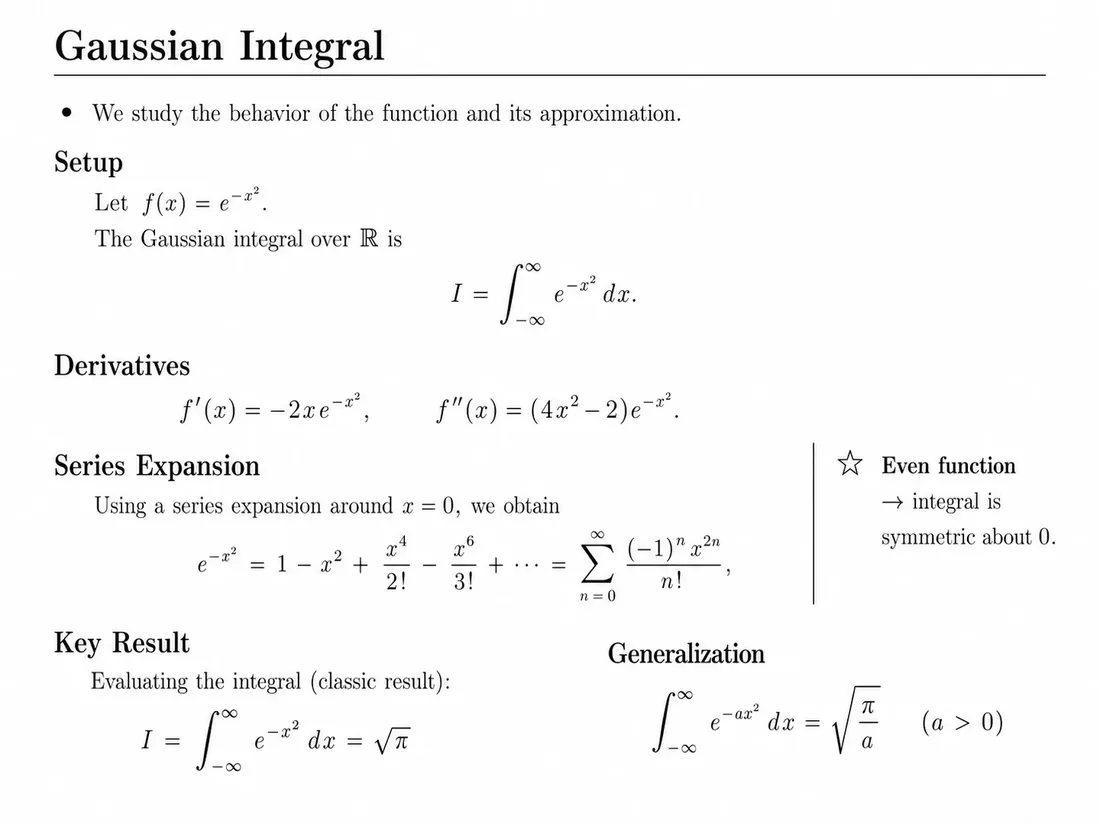
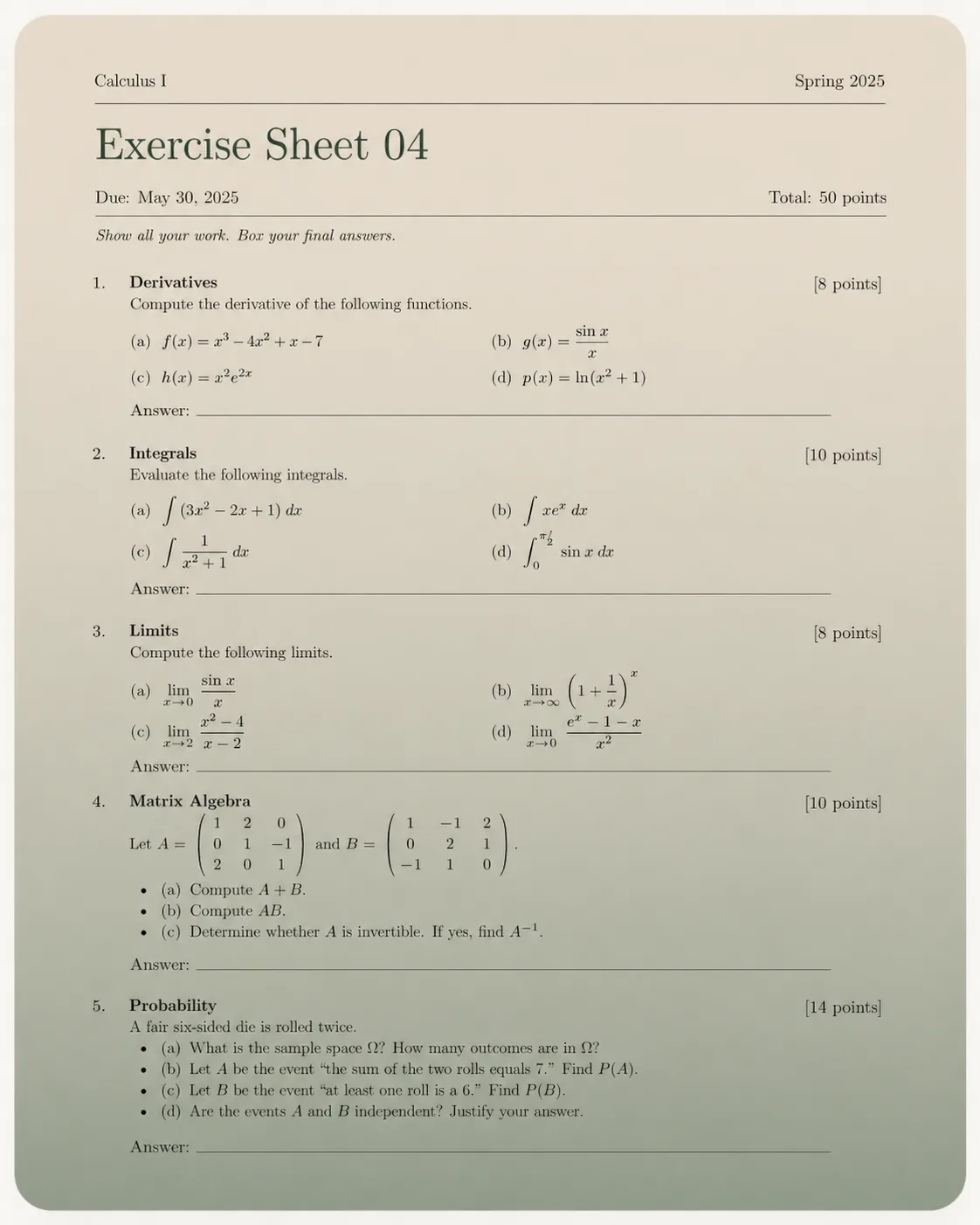
What to verify after changing a question
A small source edit can affect several parts of a worksheet. Review the question and solution together.
Dependent subparts
If part (b) uses a result from part (a), check that new values still work in both. Keep references synchronized when reordering questions.
Mark allocation
Check each printed mark and the total. Reconstruction may read a number correctly while associating it with the wrong subquestion.
Printable layout
Inspect the final PDF for split questions, missing answer space and figures separated from instructions. The revised edition needs its own complete review.
Reuse the structure of a teaching document
An old worksheet can contain valuable questions but only exist as a PDF. Reconstruction helps make question text, formulas and lists editable for a revised edition.
Problem sets have structure beyond paragraphs: question numbers, subparts, marks, answer spaces and figure references. Check those relationships before changing the content.
Use this workflow for materials you are allowed to adapt. Keep an unchanged source copy and distinguish original questions from your revisions and solution notes.
Prepare a revised problem set
- 01
Choose the original worksheet PDF and check upload limits.
- 02
Convert and compare questions, subparts, figures and mark allocations.
- 03
Edit values and wording in a copy of the exported source.
- 04
Recalculate affected answers and update solution references separately.
- 05
Compile the final sheet and review it before distribution.
Make targeted revisions easier
- Editable question text and mathematical expressions.
- A starting point for numbered lists and nested subquestions.
- A compiled preview for checking page breaks and answer spaces.
- Reusable source for subsequent teaching editions.
Conversion does not validate an exam
- Answer spaces, marks and nested numbering may need manual formatting.
- Changing a coefficient can change the difficulty or validity of a question.
- Solutions are not generated or verified as part of reconstruction.
- Check figures, question references and the answer key before distribution.
Common questions
Can I edit question values afterward?
Yes, in the exported source. Recalculate the solution and check dependent subparts after changing values.
Will it preserve every question number?
It aims to reconstruct visible lists, but nested numbering and cross-references require review.
Does it generate an answer key?
No answer-key generation is promised by this workflow. Keep and verify solution material separately.
Can I use scanned worksheets?
Readable scans can be attempted. Small marks, superscripts and handwritten corrections need additional checking.
Can the output use my exam template?
Transfer reviewed content into your template manually. Custom exam classes and grading commands are not reliably recoverable from a PDF.
Keep exploring
Continue with nearby converter pages, pricing, or the product overview.
Convert, compare, then edit
Upload a PDF, inspect the generated LaTeX render beside the original, and review before submitting or sharing the result.